Five ways SAP Datasphere tells you everything is fine
The Data Viewer, the persistence lifecycle, leading zeros, OAuth purposes and the deploy flag — five Datasphere mechanisms that report success while being wrong.
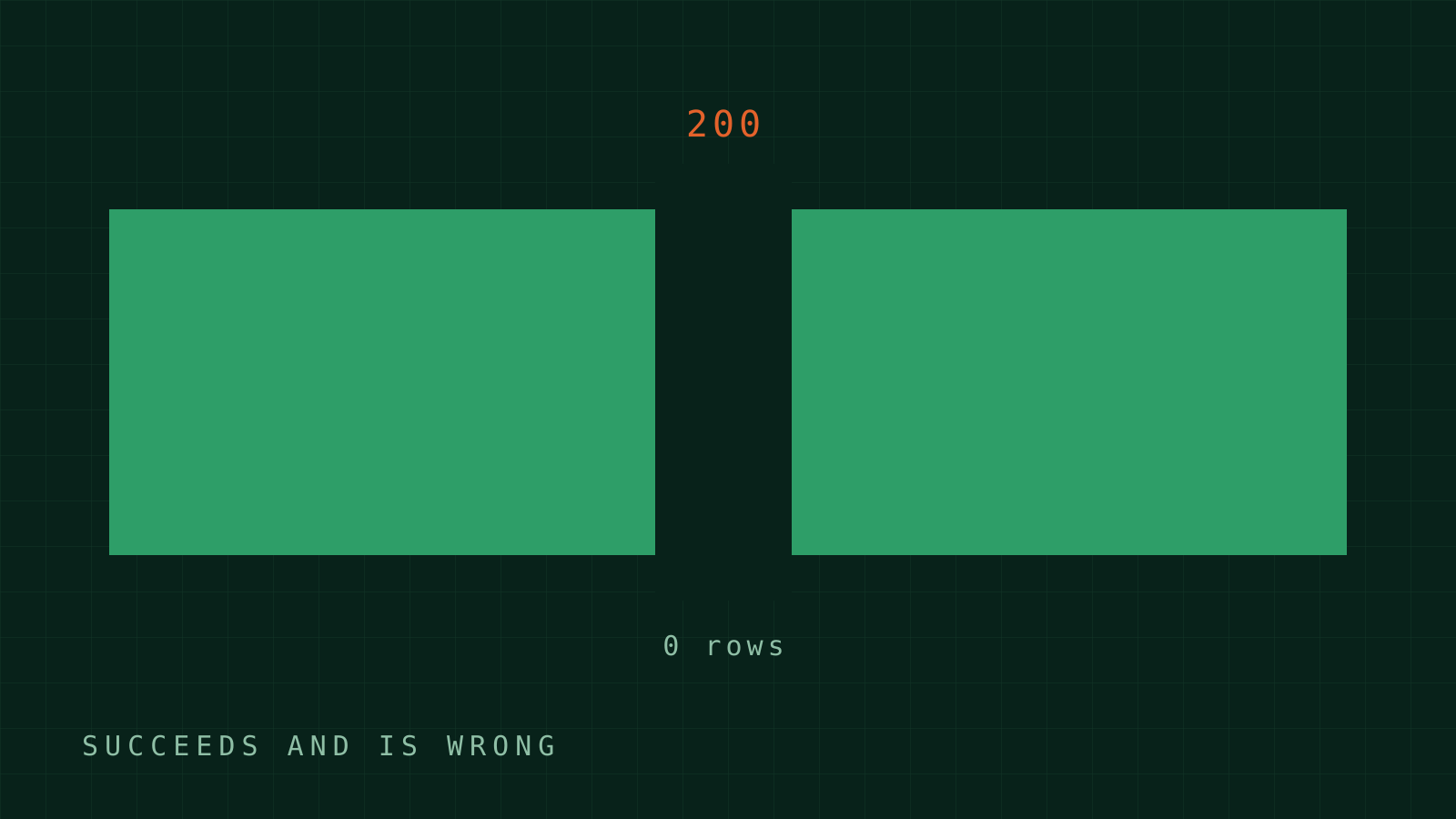
The errors that cost me real time in Datasphere have one thing in common: nothing turned red. Preview showed rows, deploy went green, job finished with zero rejects, API answered 200. Every signal said fine; the data was wrong. Here are the five mechanisms behind most of that, each one field-verified, each one expensive the first time. Full detail lives in my field guide.
1. The Data Viewer is a preview window, not a query result
It looks like a SQL client. It isn't:
- only a small leading slice of rows is materialised;
- only a subset of columns is shown —
SELECT *on an 87-column table surfaces a fraction; ORDER BYdoes not govern what you see.
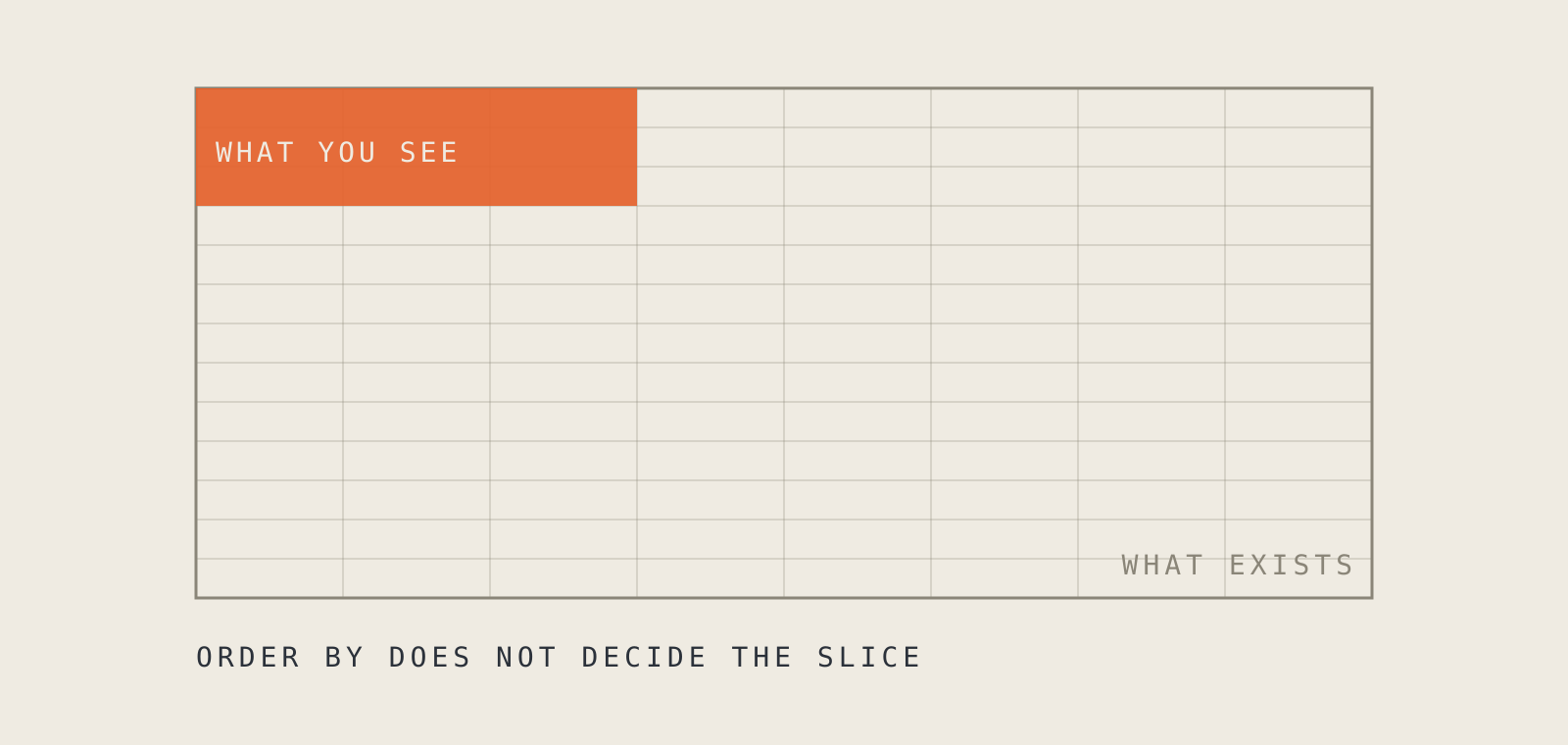
The third one is the trap, because it looks exactly like a data error. You sort the interesting rows to the top, the window shows an arbitrary slice without them, and the honest reading — "my case returns nothing" — is wrong. That reading once sent me in the wrong direction for an afternoon.
These are observations from live tenants, not documented limits; the exact counts shift with releases. The advice doesn't shift: steer the viewer with WHERE, never with ORDER BY.
-- wrong: relies on ORDER BY to surface the interesting rows
SELECT * FROM "03_FV_REVENUE" ORDER BY AMOUNT DESC

-- right: force the slice you want into the window
SELECT * FROM "03_FV_REVENUE" WHERE CUSTOMER = '0000012345' AND YYYYMM = '202601'
One more asymmetry: the preview runs the real query, deploy runs nothing — it only registers the definition. A view whose preview would hang the browser deploys instantly. On anything scanning a big fact: skip the preview, deploy, validate with small bounded queries.
2. Deploying a view deletes its persisted data
Persistence is a snapshot with a lifecycle, and three of its behaviours produce correct-looking wrong numbers:
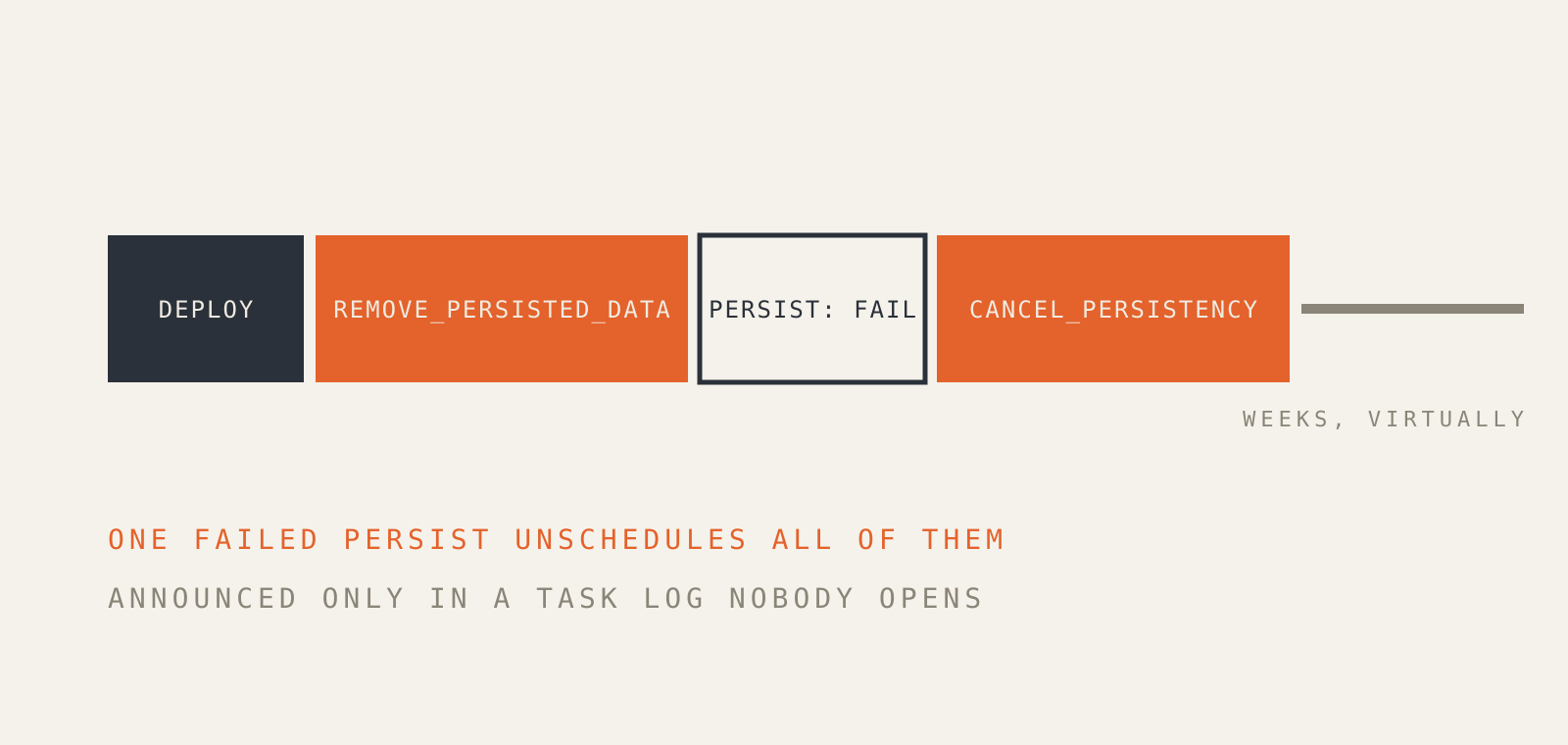
- Deploy throws the view's own persisted data away. Task log shows
REMOVE_PERSISTED_DATA; the viewer silently switches back to the live virtual view. Numbers move with no logic change. - Deploying an upstream view does not invalidate the snapshot — I measured that rather than trusting intuition. The snapshot is simply stale from then on, indefinitely, with no warning anywhere.
- The first
PERSISTafter a deploy tends to fail — reproducibly, after 5–7 seconds, no detail message. The retry succeeds, so it looks harmless. It isn't: the failed run can be followed byCANCEL_PERSISTENCY, which unschedules persistence altogether. You notice weeks later, when queries take minutes.
That last one is, in my book, a product-design failure: a transient error silently cancelling a standing schedule, announced only in a task log nobody opens. Until SAP changes it, the rule is: after any failed persist, check the activity list, not just the retry.
Stale snapshots have a diagnostic signature: a uniform factor across all nodes of a distribution, proportions intact. When every branch is low by the same percentage, stop debugging the load and check the persistence timestamp.
3. Leading zeros, and the join that matches nothing
SAP keys are zero-padded: 000000000000014993. Any CSV round-trip or spreadsheet detour turns that into 14993, and no join matches. An INNER JOIN drops the row without a trace; the first visible symptom may be three layers downstream in SAC as a "member does not exist" reject on rows that plainly exist in the source.
The defence costs one line and belongs in every load view:
LPAD(TRIM("MATNR"), 18, '0') AS "MATNR"
Same family, same fix philosophy: INNER JOIN to any mapping table makes unmapped keys vanish silently. LEFT JOIN plus a COALESCE fallback bucket makes the gap countable. You want unmapped data to show up as an ugly UNMAPPED node in a report — not to not show up.
4. The token is a user, not a client
One rule explains every 403 I've collected: Datasphere ties data access to a user identity and its space/role membership — never to OAuth client scopes. The three client purposes behave completely differently:
| Client purpose | The token represents | Result |
|---|---|---|
API Access, client_credentials |
the OAuth client itself — no DW roles | 403 on everything (measured) |
Technical User, client_credentials |
a real technical user with roles | 200, per those roles |
Interactive Usage, authorization_code |
the logged-in human | 200, per their roles |
The trap: API Access is the client everyone creates first, because "API" is in the name — and it's the one that cannot read data. When a client_credentials token 403s on everything, the fix is almost never more scopes. It's the wrong client purpose.
Two adjacent time-sinks: the browser session is not a bearer token (checked — no token in localStorage, the auth cookie is httpOnly), and an Interactive client's refresh token dies at its configured lifetime, 30 days by default, with no self-renewal. Headless work belongs on a Technical User client with a role scoped to the target space. The whole access-plane map is in DSP_PROGRAMMATIC_ACCESS.md.
5. Saved is not deployed
A view can exist, validate cleanly, and sit visibly in the Repository Explorer without ever having been deployed. Everything built on top fails with The object "<X>" has never been deployed — a message that sends people hunting for sharing or spelling problems, because the object is right there. Usual cause: a scripted creation path that saved without deploying.
The repository answers if you ask directly: #objectStatus in the design-time API is 1 deployed, 2 redeploy needed, 0 never deployed. The same API finds the other "it's right there but doesn't work" case — a missing share three association-hops away — in one call (inaccessibleDependencies), instead of an afternoon of clicking through Space Management.
All five are one event in different clothes: a component reports its own local success, and you mistake it for the statement you care about — "the data is right and will stay right." The discipline that falls out: never let one channel grade its own homework. Change in the UI, verify through the API; write through an API, verify with a counted read. The SAC planning version of this disease is its own article.
The documents and source code behind this entry are published in full — generalised and openly licensed — in Datenrösterei. Corrections and additions welcome as an issue or a pull request.