The data action ran green and wrote nothing
SAC data actions fail by succeeding: the mechanisms that produce a green run with no writes or the wrong scope, and the test protocol that catches them.
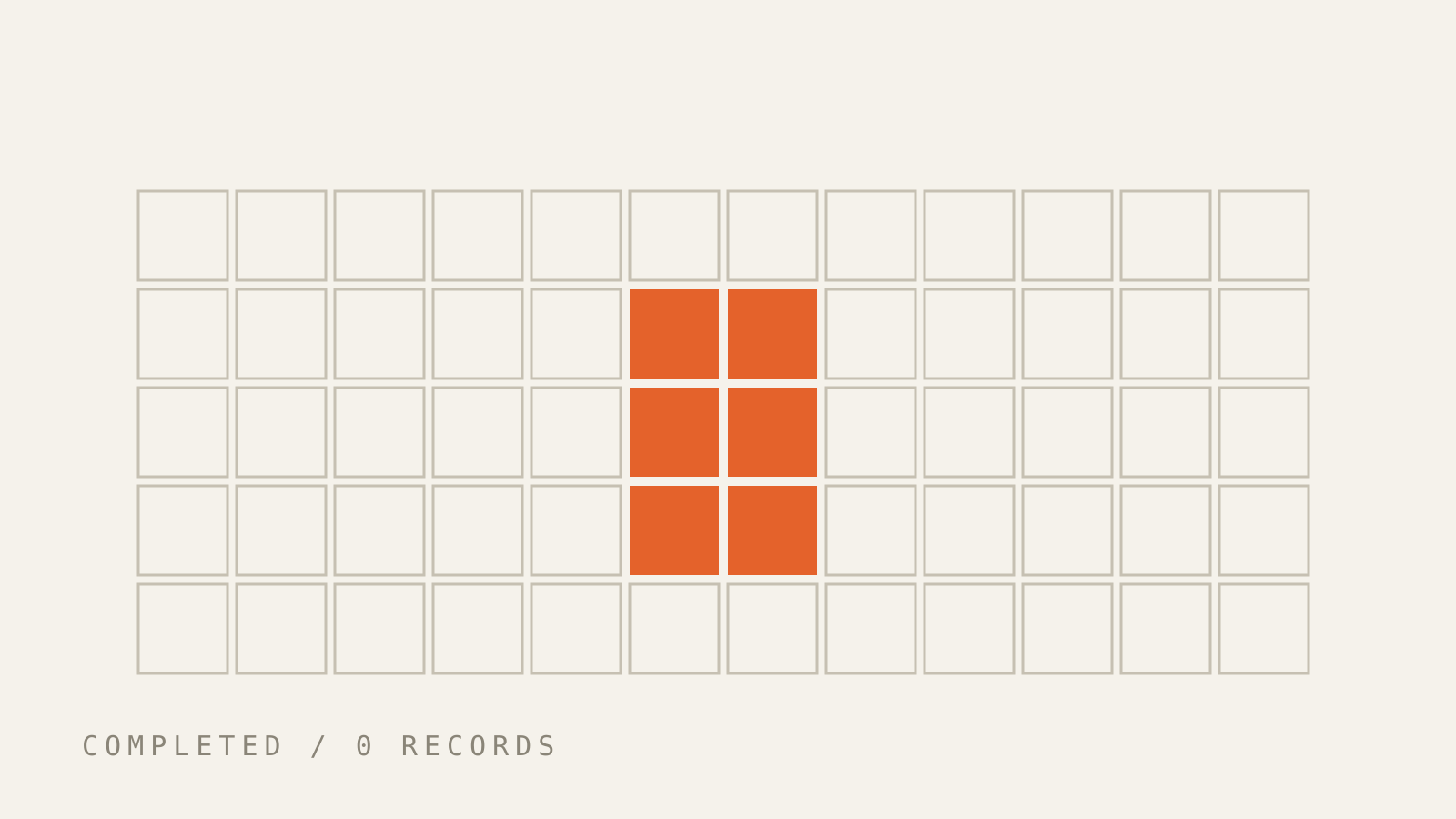
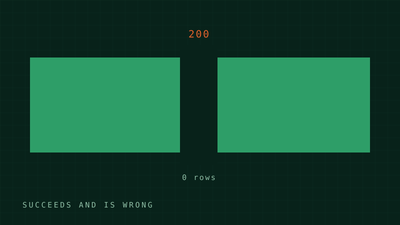
An SAC data action finishes. Status: success. Version History shows a revertible entry. The target version is unchanged. No error, no warning, no rejected rows — because nothing was rejected. Nothing was written.
This is not a bug, which is what makes it expensive. The engine executed every statement over the scope it computed, and an empty scope is a perfectly legal scope. Success in SAC planning is a statement about execution, not about effect. Every failure mode below is the same question in different clothes: what did the scope resolve to at runtime? (Long-form versions of all of them: SAC_KNOWLEDGE.md.)
The engine only writes where facts exist
Advanced Formulas is declarative and, by default, fact-data-driven: it operates on booked records only. Null + 1 = Null — an empty source cell produces no write, not a zero.
So a copy is not a replace. With GENERATE_UNBOOKED_DATA = OFF (the default), copying a sparse version over a dense one moves the booked cells and leaves every stale target value where the source had nothing. Green run; the target is now a blend that reconciles to nothing. Fix: DELETE() the target scope first, or switch the CONFIG on and pay for the cross-join.
Second edge of the same model: DATA() doesn't update — it clears the whole target scope, then writes. Consecutive DATA() statements to the same point of view don't accumulate; the last one wins:
DATA([d/FLOW]="TOTAL") = RESULTLOOKUP([d/FLOW]="OPENING")   // 50
DATA([d/FLOW]="TOTAL") = RESULTLOOKUP([d/FLOW]="DELTA")     // overwrites → 30
DATA([d/FLOW]="TOTAL") = RESULTLOOKUP([d/FLOW]="OTHER")     // overwrites → 20
TOTAL ends at 20, not 100. Accumulation needs DATA.APPEND.
The empty parameter that collapses to #
The most expensive gotcha I know in this area, and it's one function call of difference:
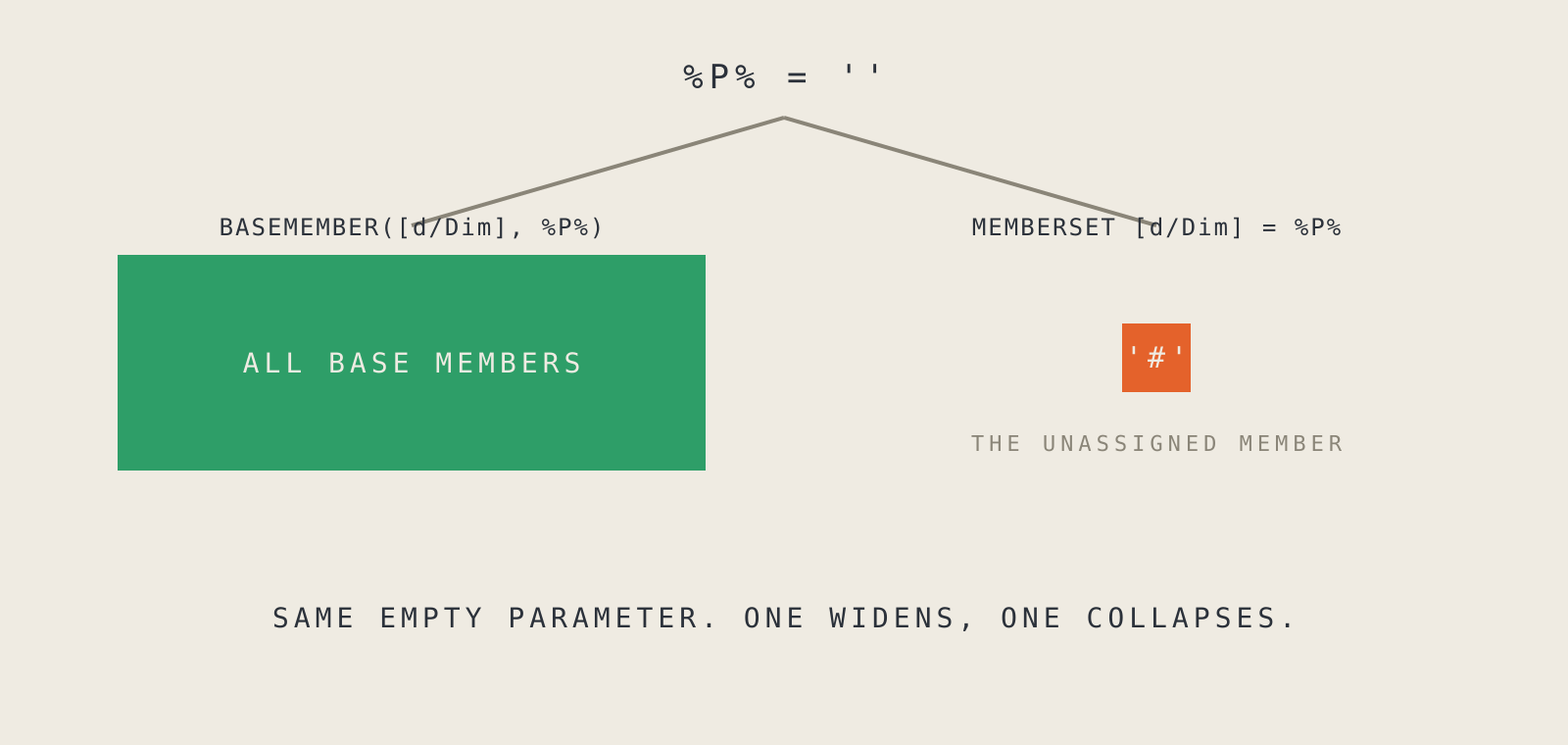
BASEMEMBER([d/Dim], %P%)with an empty%P%→ all base members.- Raw
%P%in aMEMBERSETwith an empty value → the dimension's default member, usually#, the unassigned bucket.
An unwrapped parameter narrows silently. Field observation: one productive initialization run collapsed to # this way and dropped a nine-figure amount. Successful status, no error, a target version missing most of its data.
The parameter settings even push you toward the raw form — the level/All-Members constraints form a small puzzle whose only safe solution for hierarchical dimensions is BASEMEMBER + level ANY + All Members enabled. My rule since: BASEMEMBER is the default, the raw form is the exception you justify in a comment.
The date range that reads the target version
Driving the write window from version properties is a pattern I use and recommend:
MEMBERSET [d/Date] = [d/Version].[p/DATE_FROM] TO [d/Version].[p/DATE_TO]
New version, no code change — nice. But the properties are read from the target version. Nobody maintained them there? Empty date range, green run, zero writes. In my experience the single most common cause of "it ran, but there's nothing there": someone created a version, nobody filled the dates, and the prefill has been running green against a zero-member scope ever since.
The nastier relative: a prefill reading reference data from a hardcoded "#" scenario only works against load versions (imports land on #; planned versions book on planning scenarios). Point it at a planning version and the RESULTLOOKUP reads nothing — and if the step starts with a DELETE(), the action has now cleared real data and replaced it with the nothing it read. That's the escalation from "writes nothing" to "writes nothing and deletes something".
Conditions that widen when you narrow them
An IF containing a RESULTLOOKUP is rewritten at runtime into member filters on the dimensions not named in the lookup. Consequence: the more dimensions you add to the condition — the more restrictive it looks — the more data the branch affects, because fewer remaining dimensions get filtered. A developer who "tightens" a condition has widened the write, and the difference only shows at a reconciliation grain nobody reconciles at.
(This comes from SAP's published engine explanations, not the function reference — documented, but not contractually.)
The trigger inherits context you forgot about
Everything above lives in the script. This family lives outside it:
- Story filters scope the run. A data action fired from a story runs against the story's filtered context. Field observation: one forgotten filter shrank an initialization by orders of magnitude, warning-free. Check the filter bar before wiring any prefill/init button; prefer explicit MEMBERSETs over inherited context.
- Binding mismatches write to the wrong model. Tables bound to the new model, the scripted action gadget still pointing at the old one — typically after a migration. Runs happily, writes plausible numbers into the wrong place. First thing I check after any migration.
- Multi actions have no rollback, per SAP's own docs: failed step stops the chain, the previous steps still take effect. And auto-publish "publishes all your unpublished changes to the target version, even if they weren't part of the data action" — a scheduled copy step can publish a planner's half-finished manual edits as a side effect. That sentence is in the documentation; almost nobody has read it before it happens to them.
A test protocol, since the platform won't tell you
- Run on a slice you can count by hand; compare against the source at the same grain.
- Check that it wrote at all. "Completed successfully" is compatible with zero writes.
- Run it twice. Additive logic doubles on re-run; if it's not idempotent, write that into the action's description.
- Run it from the story trigger, not just the editor — the filter bar only scopes the story path.
- Check the target version, not just the target model.
Mechanically, an Advanced Formulas statement is an UPDATE with a runtime-built WHERE clause. Nobody ships those without testing the WHERE. Here, everybody does — because the green checkmark looks like a test result, and it isn't one.
The documents and source code behind this entry are published in full — generalised and openly licensed — in Datenrösterei. Corrections and additions welcome as an issue or a pull request.